Manage Your Accounts Anytime, Anywhere
Online Banking Services
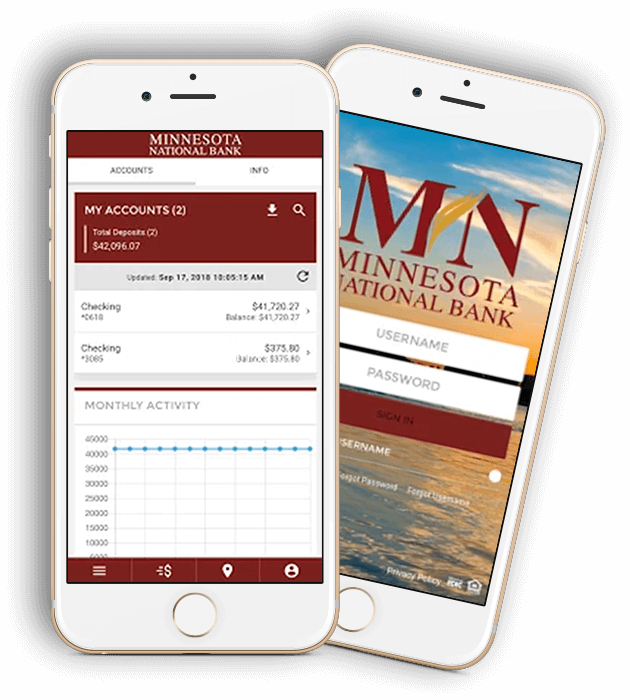
When you enroll in online banking, you’re able to access your accounts within our secure platform. Once you’re logged in, you can:
- View your account balances and transaction history
- Move Money allows you to transfer funds between accounts or send money to friends and family
- Bill Pay allows you to set up a loan payment or recurring bills
- Establish account alerts
- De-activate and reactivate your debit cards as needed
- Personal Financial Management tools
How Mobile Deposit Works
- When endorsing your check, you’re required to write “For Mobile Deposit Only” above your endorsement
- Open and log into the Minnesota National Bank mobile banking app
- Select “Deposit Checks” in the menu
- Enter the amount of the deposit
- Take an image of the front and back of the endorsed check as instructed by the app
- Your deposit will be available the next business day if the deposit is made prior to the cutoff time of 6 p.m.
To use mobile deposit, you must be enrolled in online banking and have our mobile banking app downloaded to your device. Choose the app store your device utilizes to download our mobile banking app.


Mobile Wallet
Power Your Purchases with Your Smartphone
You use your smartphone to communicate, listen to music, manage your bank accounts and so much more. Now, Minnesota National Bank gives you the ability to have your phone make payments. Whether you use an Apple, Android or Samsung device, your phone can become your mobile wallet to make it easier than ever to make payments. Mobile wallets can be used at millions of retailers to make instant, secure payments. Choose your phone’s operating system from below to get started.